03 - Extending Jenkins & Failures
A freshly installed Jenkins server acts strictly as a basic scheduler. To perform advanced automation logic, you must rely on Plugins.
Jenkins Plugins
Plugins are community-developed packages that bridge Jenkins with external tools (like Docker, AWS, or Slack) or extend its core logic.
Common Example: Copy Artifact Plugin
In the previous module, we discovered that Freestyle Jobs isolate their workspaces completely. If Build-Job finishes and spins up Test-Job, the test cannot see the output files!
Using the Copy Artifact Plugin, you can instruct the Test-Job to explicitly import specific files generated by upstream projects right into its fresh workspace.
Note: Many complex plugins require a Jenkins restart to fully initialize in the Java environment.
Dealing with Controller Failures
What happens if the Jenkins Controller (Master) crashes or reboots while a job is actively running?
In Freestyle Projects, the answer is brutal: The job completely fails and is permanently terminated.
If a multi-stage production deployment was running, it stops abruptly and cannot be resumed. This architectural vulnerability is one of the primary reasons modern developers abandoned Freestyle Projects in favor of Pipeline Projects (which actually survive reboots and resume automatically).
Tracking Artifacts (Fingerprints)
When running complex automation across 10+ jobs, it’s difficult to track exactly which version of an input file or container image triggered a specific deployment.
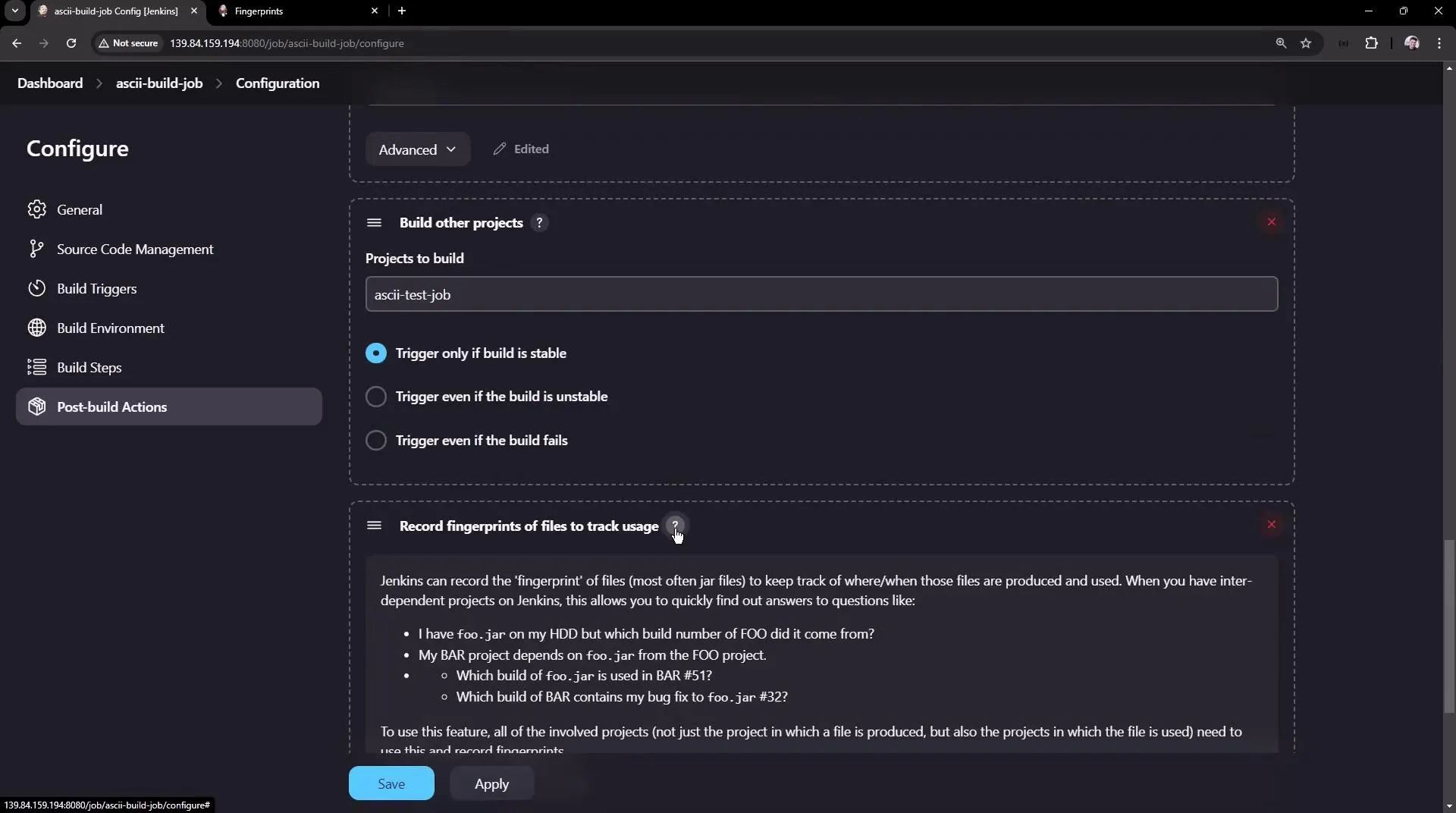
Jenkins natively solves file tracking using Fingerprints.
- When a job generates a file, Jenkins assigns it an MD5 checksum (Fingerprint).
- Jenkins records metadata linking that strict checksum to the originating build.
- Every downstream job that uses the file stamps its signature on the fingerprint log.
You can instantly audit the entire lifecycle of a file across multiple jobs by viewing the Fingerprint trace in the Jenkins UI.