Google Kubernetes Engine (GKE)
Create a cluster in GCP, connect kubectl, deploy the voting app, use LoadBalancer services
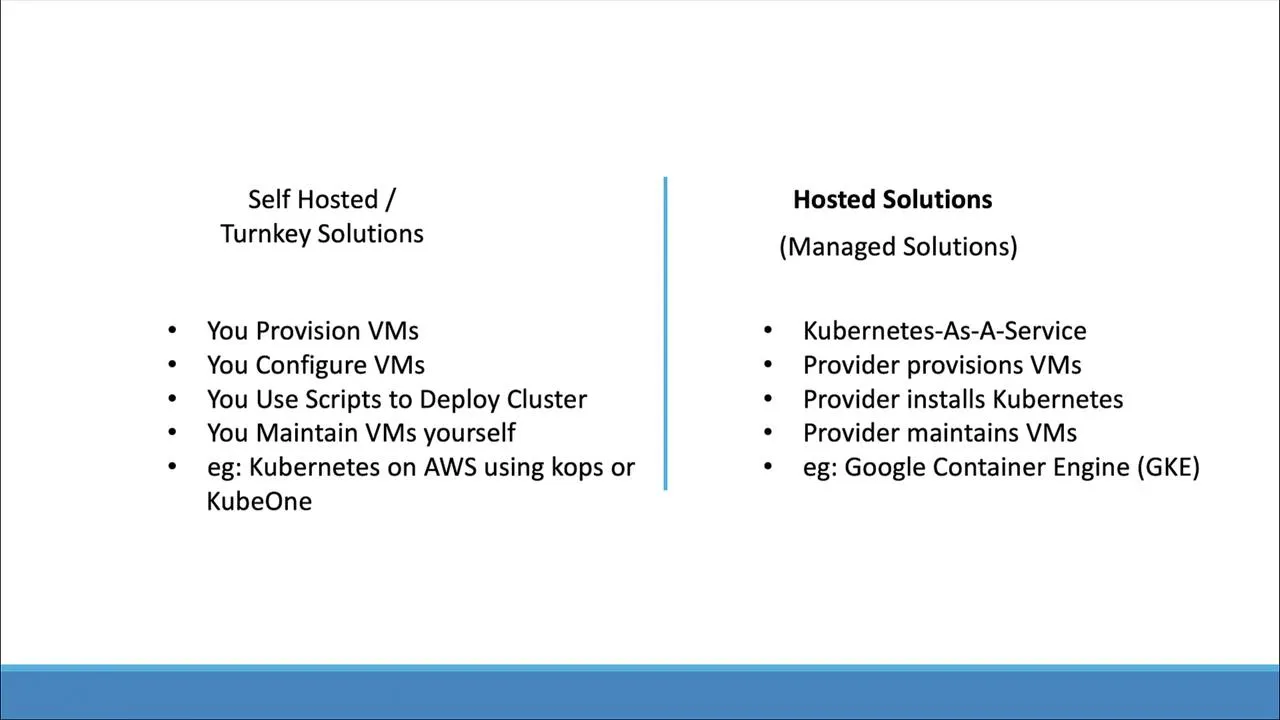
Google Kubernetes Engine runs a managed control plane in your GCP project. You attach node pools (Compute Engine VMs) that run your workloads.
You need a Google Cloud account and basic comfort with the console (and optionally Cloud Shell). GCP’s free programs and credits change over time—check Google Cloud Free Program for current terms.
Create a cluster
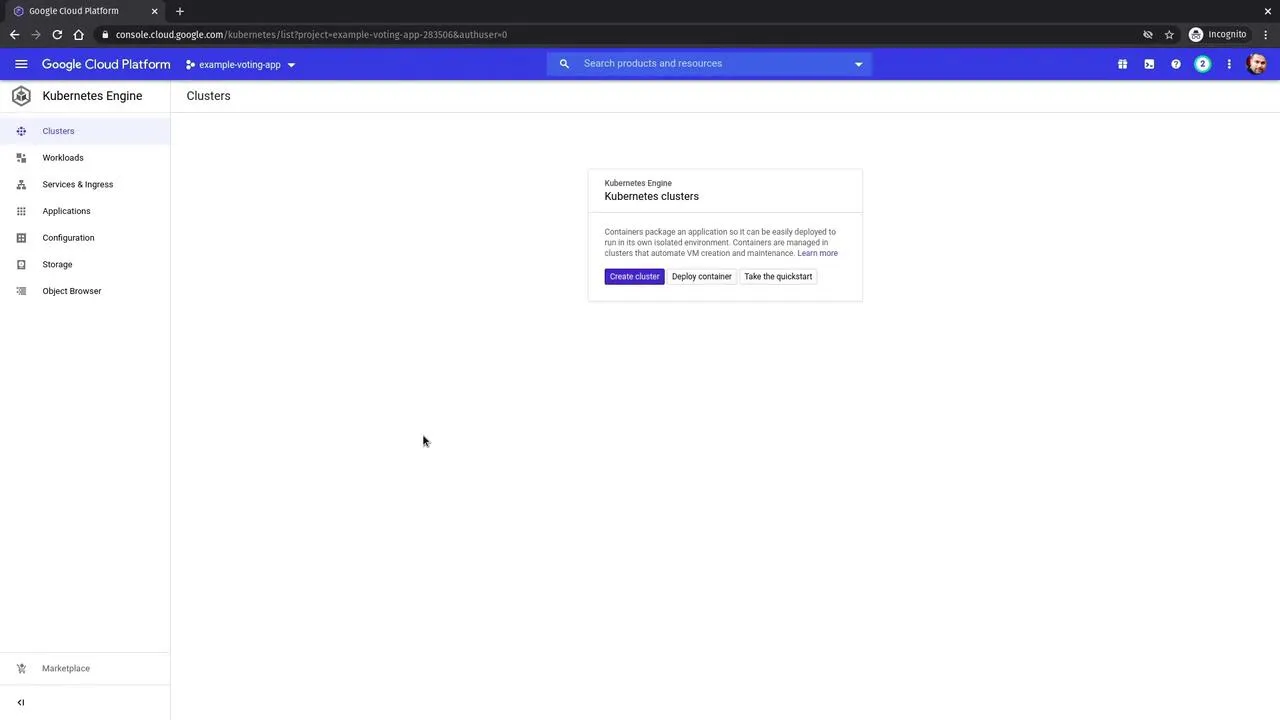
- Open the console → Kubernetes Engine → Create cluster.
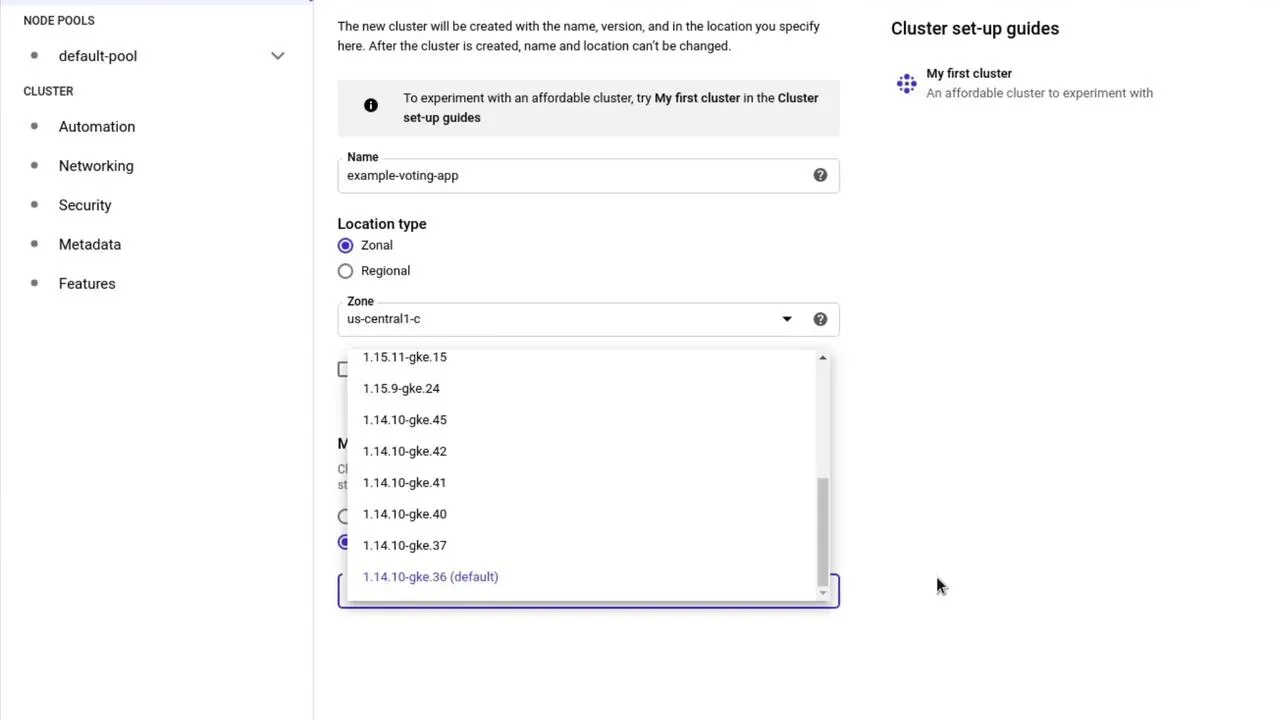
- Pick a name, region/zone, and release channel (or pin a minor version). Defaults are fine for a lab.
- Choose node machine type and pool size for your budget; create the cluster and wait until it shows Running (often several minutes).
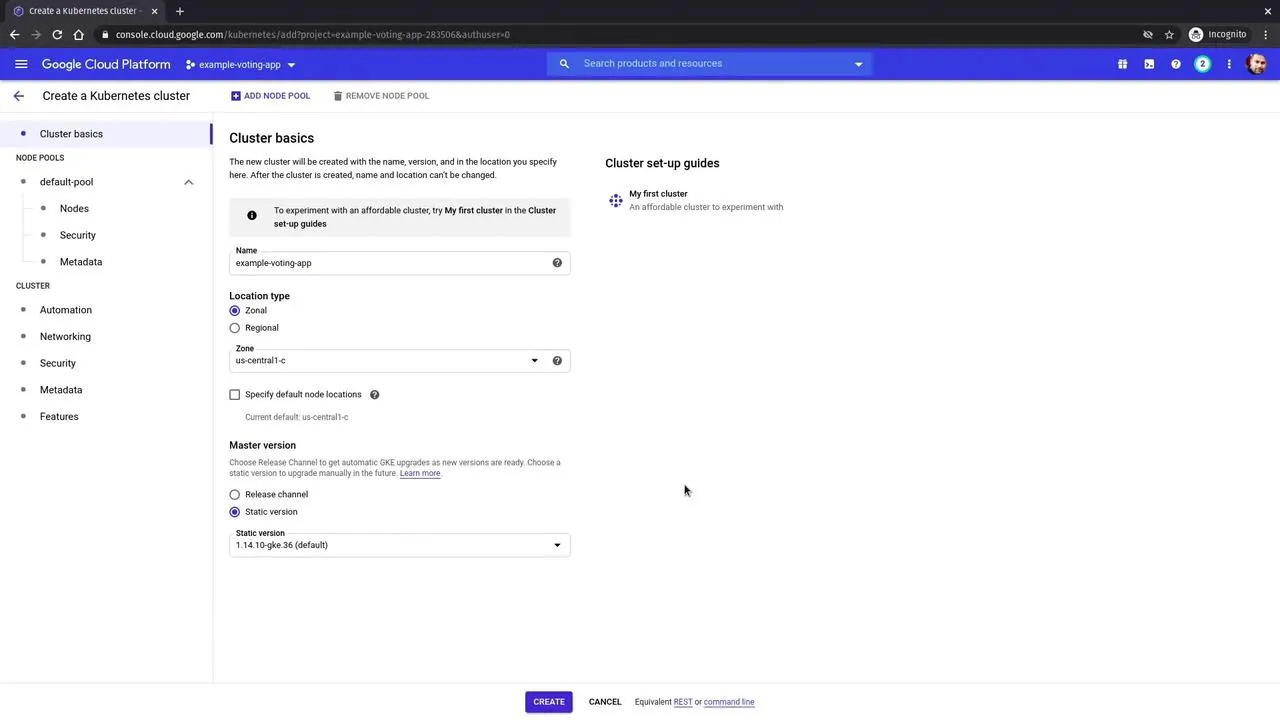
When the green check appears, the control plane and default node pool are ready.
Connect kubectl
Use Connect in the cluster list; Cloud Shell (or your laptop with gcloud installed) will show a command like:
gcloud container clusters get-credentials CLUSTER_NAME --zone ZONE --project PROJECT_IDThen:
kubectl get nodesYou should see your node pool nodes in Ready state. (Exact names and Kubernetes versions depend on what you selected.)
Deploy the sample voting app
Use the maintained manifests from Docker’s sample repo (same app as in the voting app note):
git clone https://github.com/dockersamples/example-voting-app.git --depth 1cd example-voting-app/k8s-specificationsOn GKE (and most clouds), exposing UIs with type: LoadBalancer is simpler than NodePort for quick tests—the cloud provisions an external IP.
Example pattern for the front-end services (adjust metadata/selector to match the YAML you actually apply):
apiVersion: v1kind: Servicemetadata: name: votespec: type: LoadBalancer ports: - port: 80 targetPort: 80 selector: app: voteApply dependencies first (Redis, Postgres), then worker, then vote and result, or kubectl apply -f . if you have verified file order and compatibility.
kubectl apply -f .kubectl get deployments,svcWait until EXTERNAL-IP is no longer <pending> for LoadBalancer-type Services.
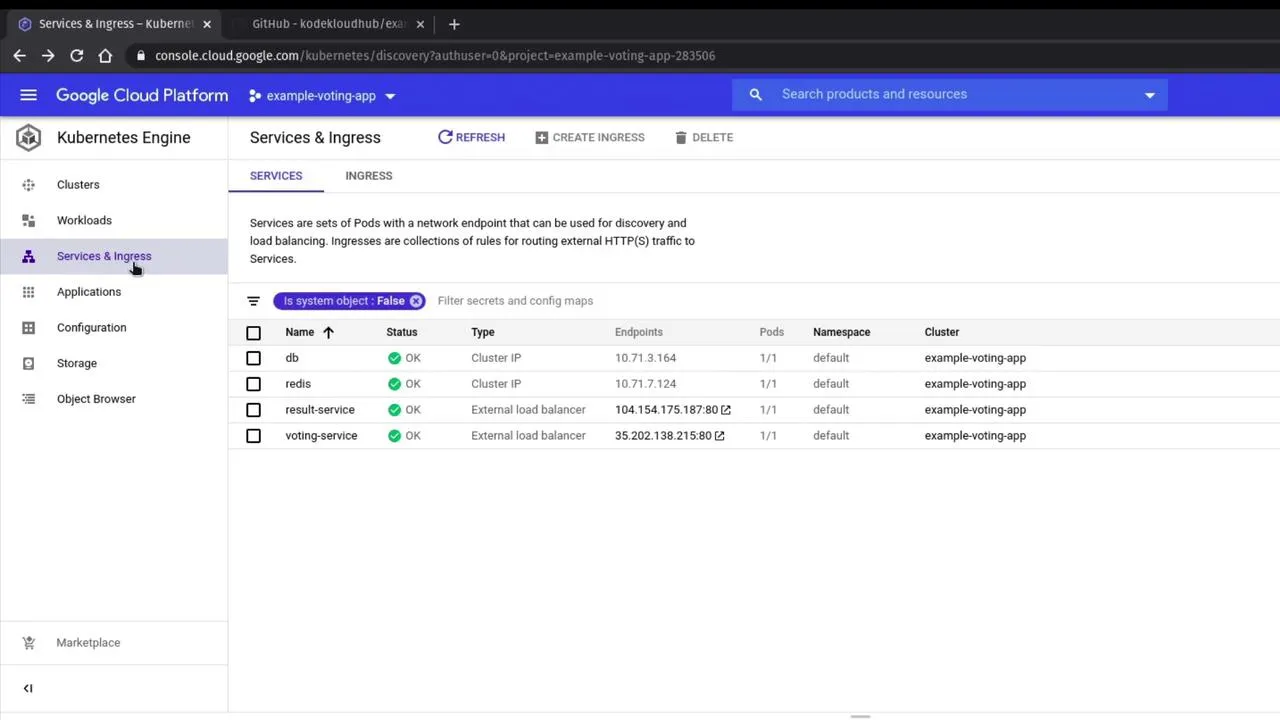
Test in the browser
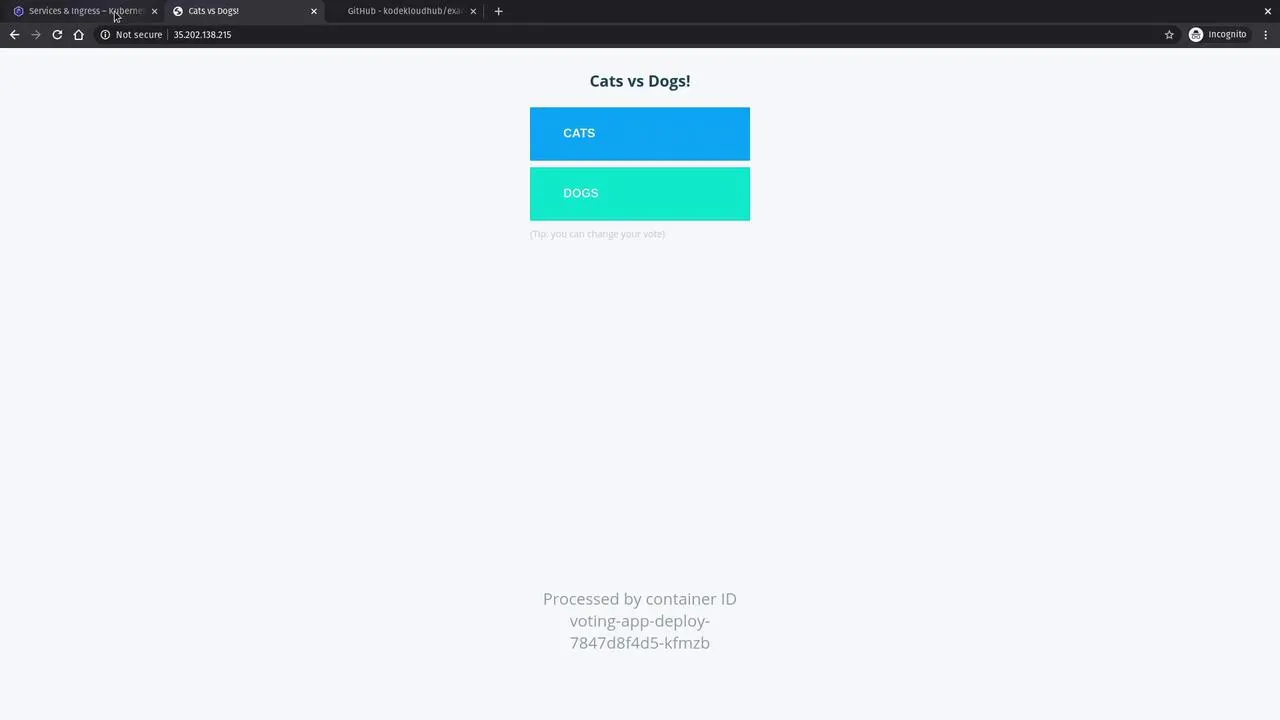
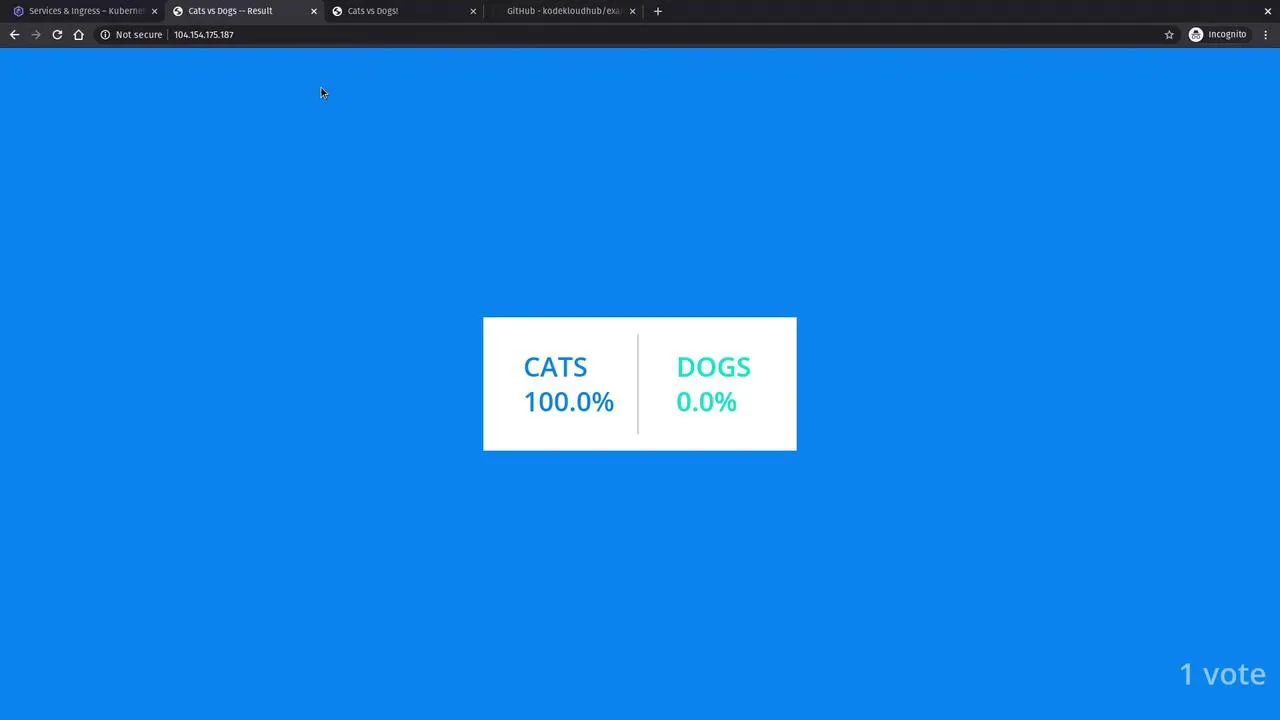
Open the external IP for vote and result, cast votes, and confirm percentages change.
Cleanup
Delete the cluster (or the whole project) when finished so node pools and load balancers stop billing.