Azure Kubernetes Service (AKS)
Portal steps for an AKS cluster, Cloud Shell kubeconfig, deploy the voting app
AKS gives you a managed Kubernetes API in Azure; you choose SKU, node pools, networking, and identity integration (managed identity / service principal).
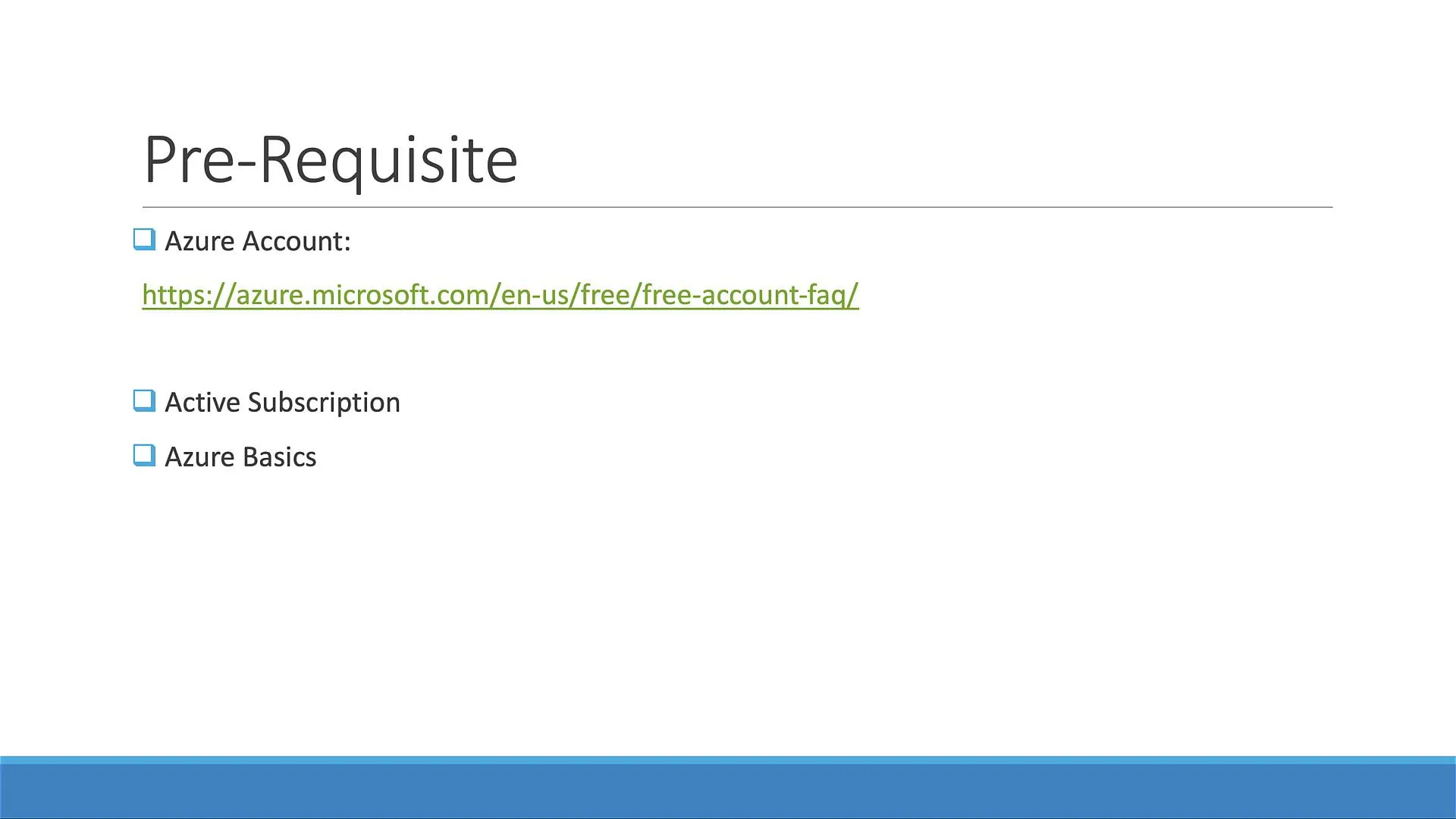
Sign in at Azure Portal. If you are new, read current Azure free account terms before creating resources.
Find AKS in the portal
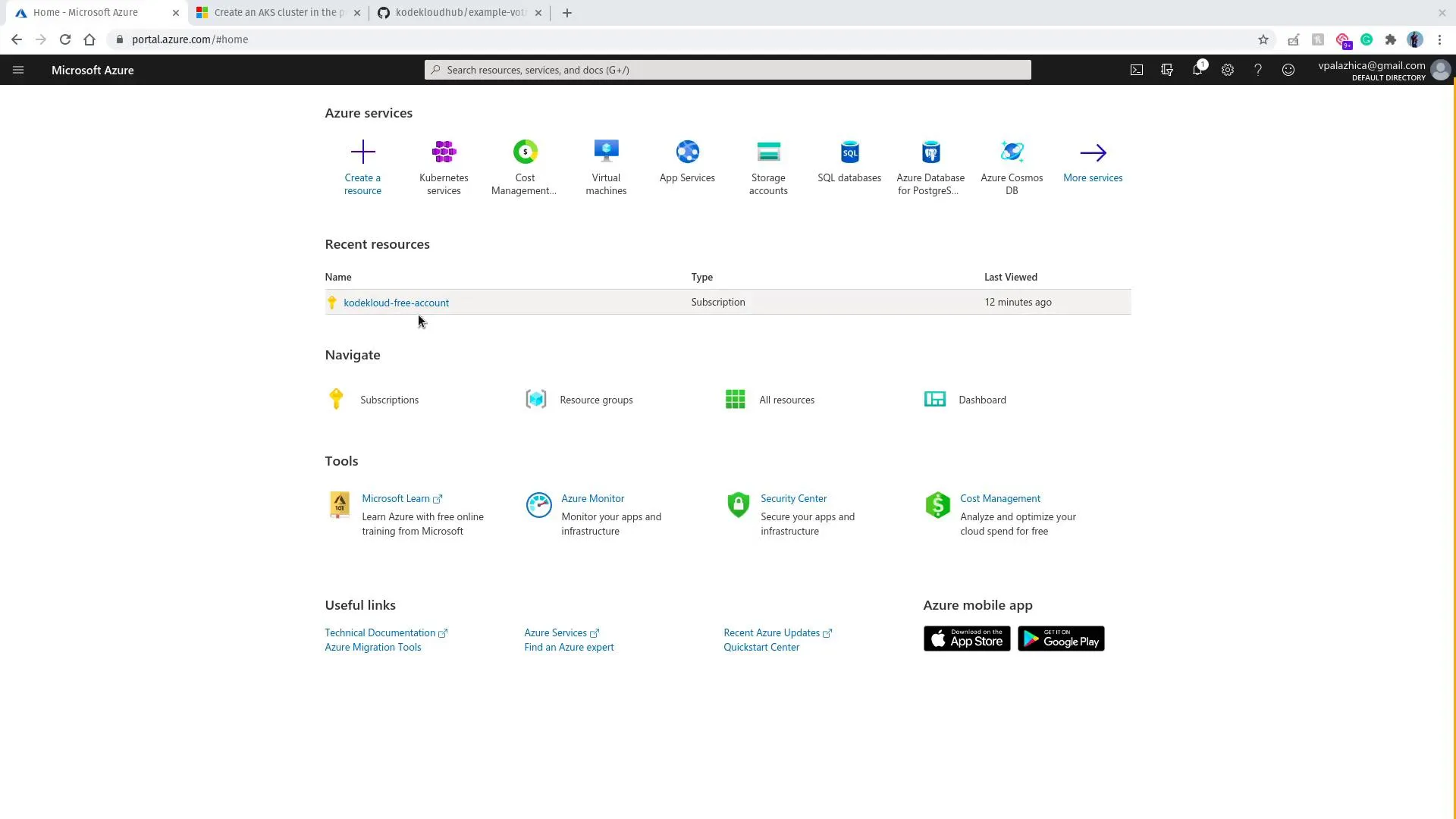
From the home page, search for Kubernetes or AKS and open Kubernetes services.
Create a cluster
- Create → Kubernetes cluster.
- Choose subscription and resource group (create one if needed).
- Cluster name (e.g.
example-voting-app), region, Kubernetes version. - Node pools: for a lab, one small node is enough.
- Identity: typically use a system-assigned managed identity or create a service principal as the wizard describes.
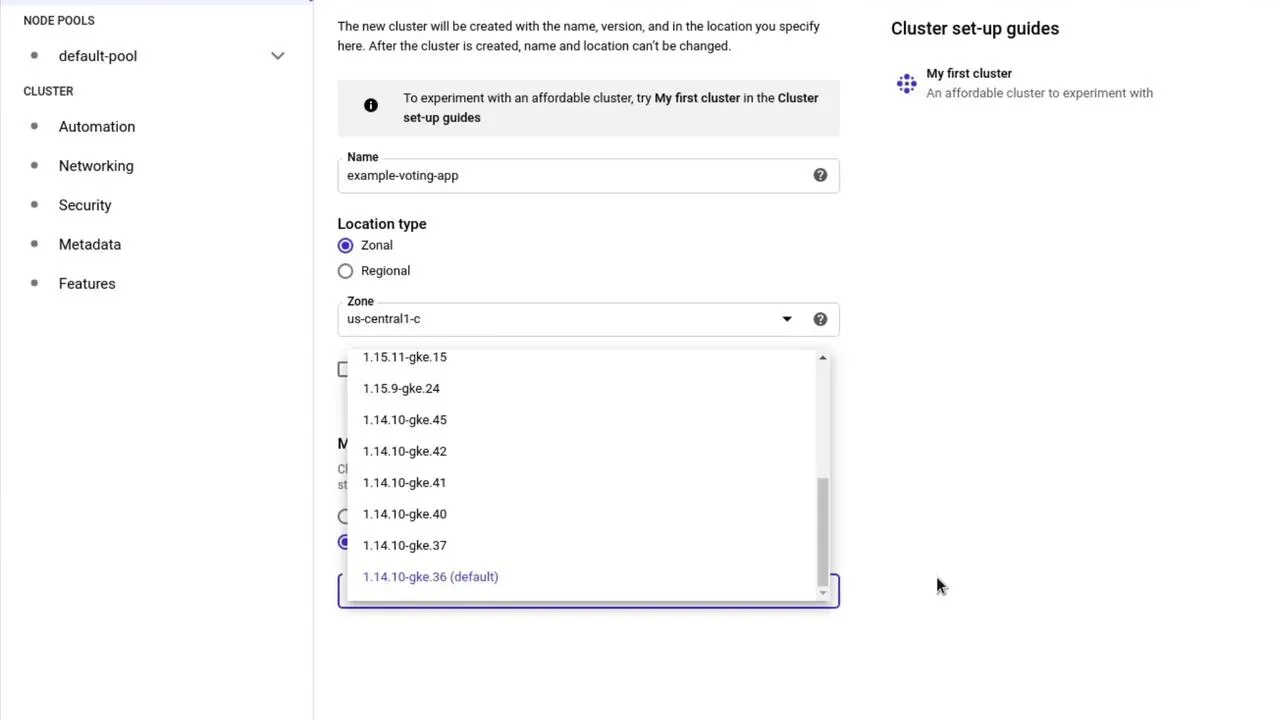
- Review + create and wait until deployment completes.
Connect with Azure Cloud Shell
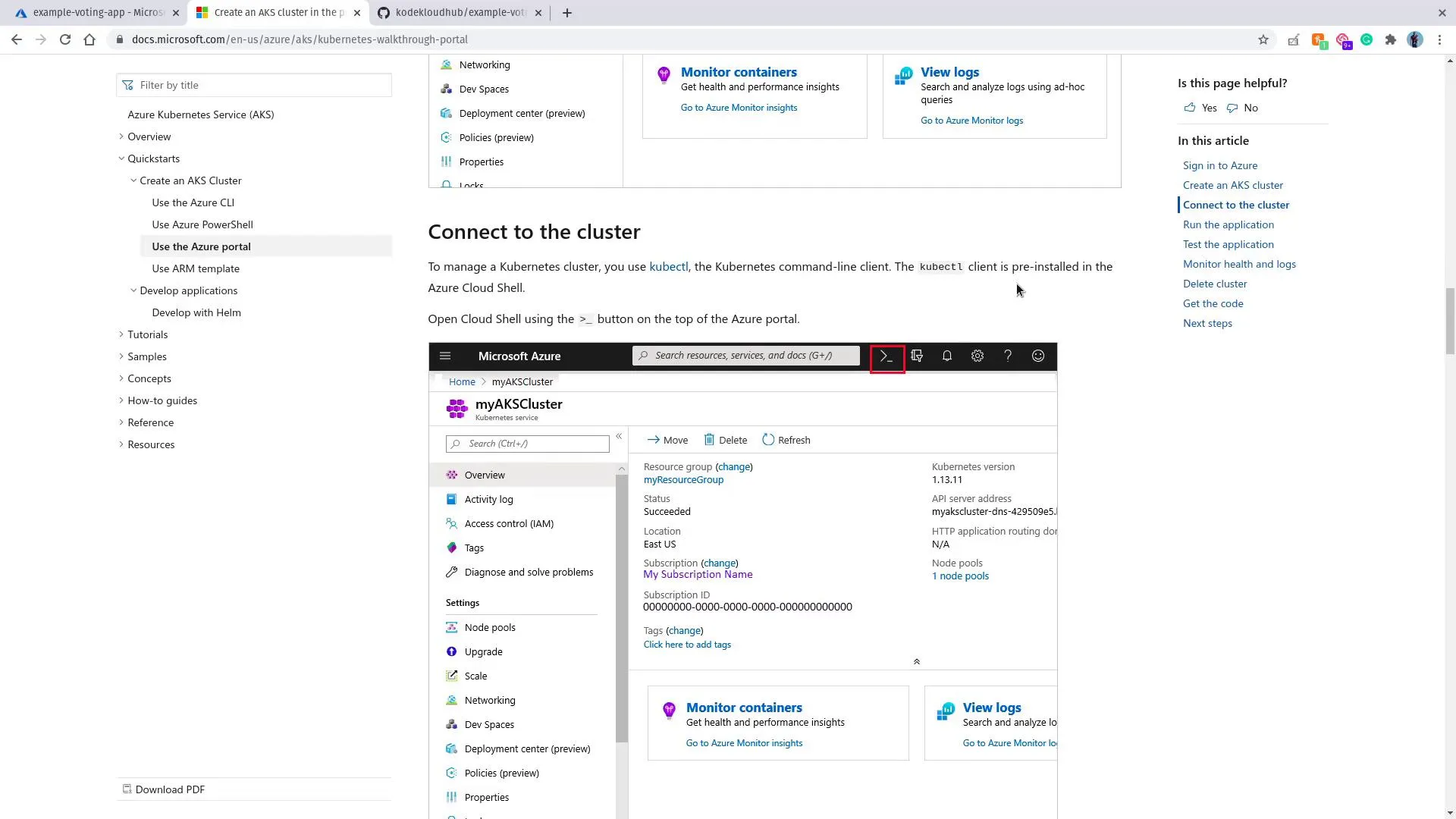
Open Cloud Shell in the portal (>_ icon). It includes kubectl and az.
Microsoft documents the flow here: Connect to the cluster (screenshots in the portal move over time).
Point kubectl at your cluster (replace names):
az aks get-credentials --resource-group MY_RG --name MY_AKS_NAMEkubectl get nodesExample style of output:
NAME STATUS ROLES AGE VERSIONaks-agentpool-xxxxxxxx-vmss000000 Ready agent 6m v1.29.xDeploy the voting application
git clone https://github.com/dockersamples/example-voting-app.git --depth 1cd example-voting-app/k8s-specificationsApply in safe order (example):
kubectl apply -f redis-deployment.yaml -f redis-service.yamlkubectl apply -f db-deployment.yaml -f db-service.yamlkubectl apply -f worker-deployment.yamlkubectl apply -f vote-deployment.yaml -f vote-service.yamlkubectl apply -f result-deployment.yaml -f result-service.yamlkubectl get deployments,svcUse LoadBalancer-type Services for vote and result in cloud if external IPs stay <pending> with NodePort on Azure (same pattern as other providers).
Test
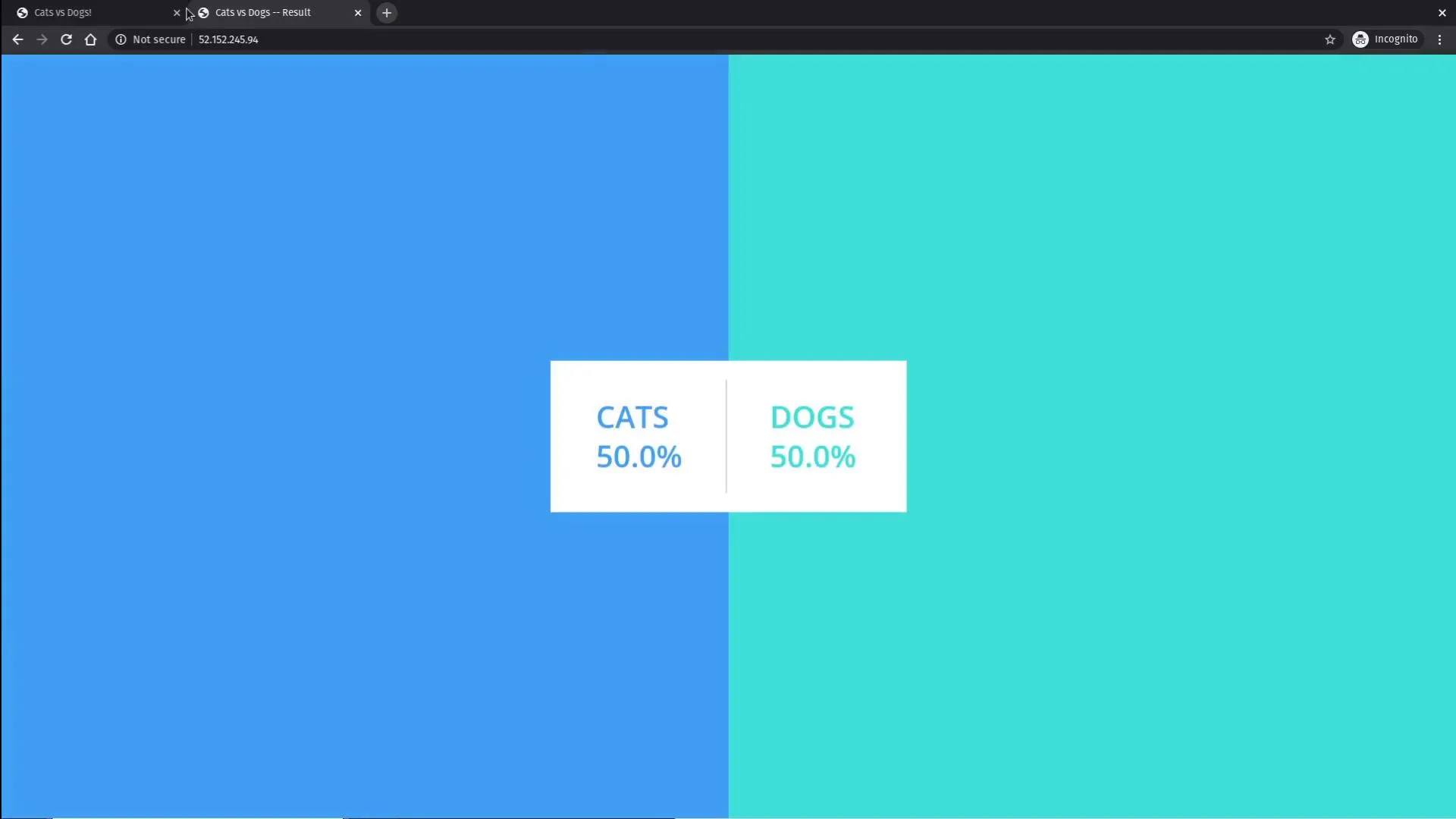
Open the EXTERNAL-IP (or hostname) for the voting and result Services in two browser tabs; vote and watch totals update.
Cleanup
Delete the resource group (or at minimum the AKS resource) when you are done so compute and public IPs do not keep charging.