devops
01 - Introduction to Jenkins & CI/CD
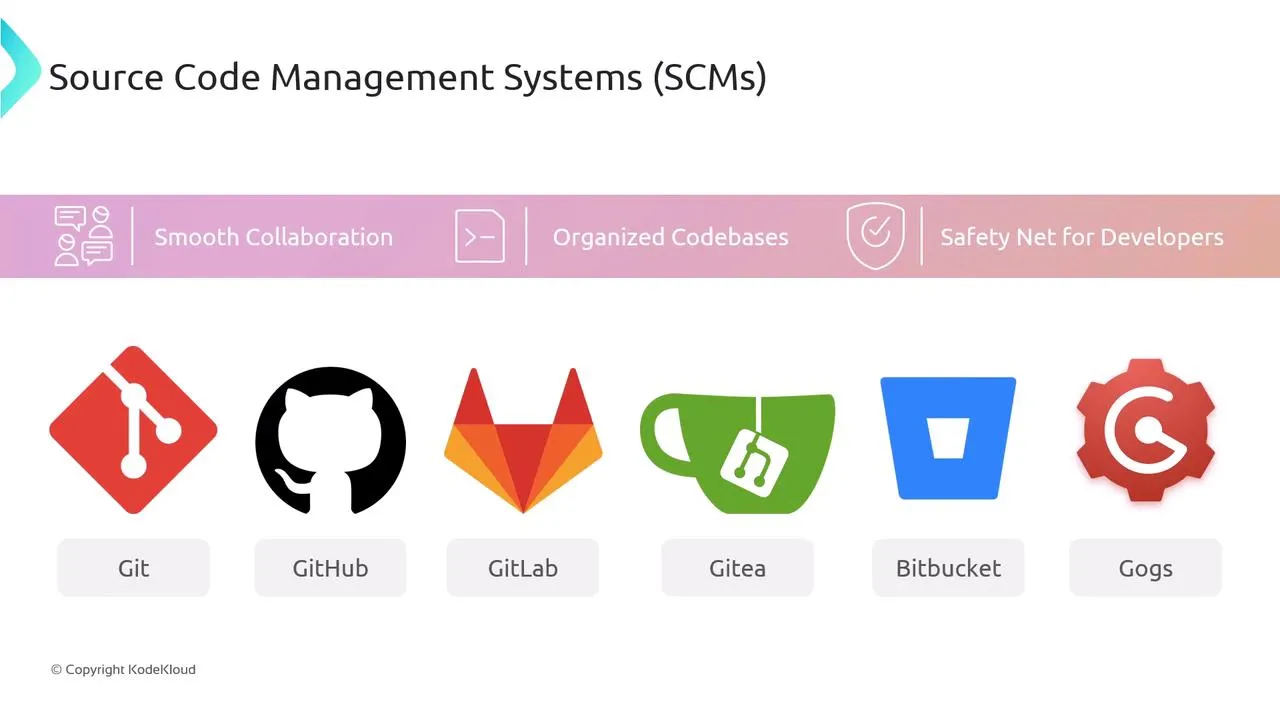
Welcome to the foundation of automated software delivery. Without mapped automation, release cycles suffer from delayed testing, messy code merges, and risky manual deployments.
The Core Concept: CI/CD
Continuous Integration and Continuous Deployment (CI/CD) pipelines serve as an automated factory for your software.
- Continuous Integration (CI): Developers routinely merge changes into a central repository. This action automatically triggers a building and testing sequence to instantly catch code defects.
- Continuous Delivery: An automated process stages code perfectly prepared for release, requiring just a single manual approval click to deploy.
- Continuous Deployment (CD): Pushes the envelope further. Once code passes all tests in the CI stage, the system automatically deploys it directly to production—no human intervention required.
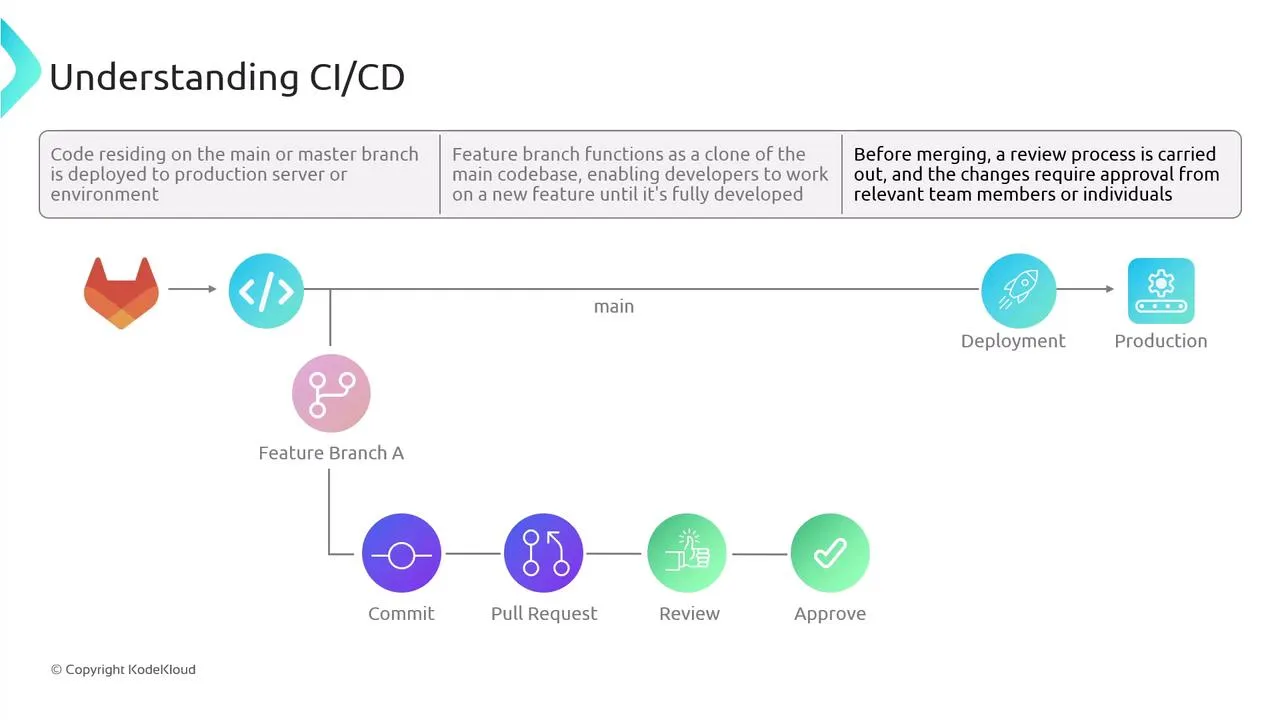
Why is this necessary?
- Eliminates Delayed Testing: Isolated code resting in local feature branches grows stale. CI forces integration immediately.
- Replaces Inefficient Deployment: Automated pipelines remove brittle, manual configuration drifting between dev/staging/prod servers.
- Protects Production: Test coverage triggers drop the failure rate. If bugs happen, pipeline rollbacks are instantaneous.
Source Code Management (SCM)
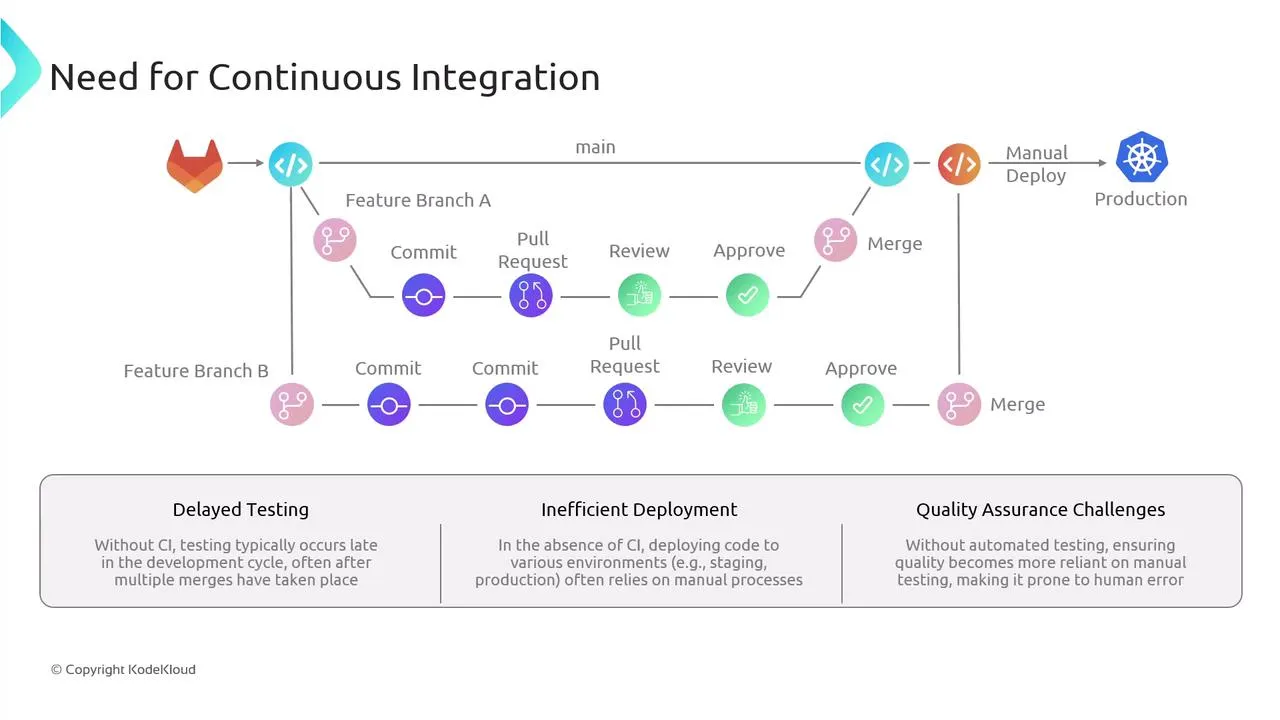
A CI/CD pipeline starts with version control. Modern automation pipelines strictly rely on platforms like Git, GitHub, Bitbucket, or GitLab. SCM provides:
- Branch Management (Feature isolation)
- Effortless Sharing
- Rollback Security (Going back in time)
Next Steps
Now that the theory logic is laid out, the next module dives heavily into the architecture and setup of Jenkins, your central CI/CD automation server.
Pros and Cons of Jenkins
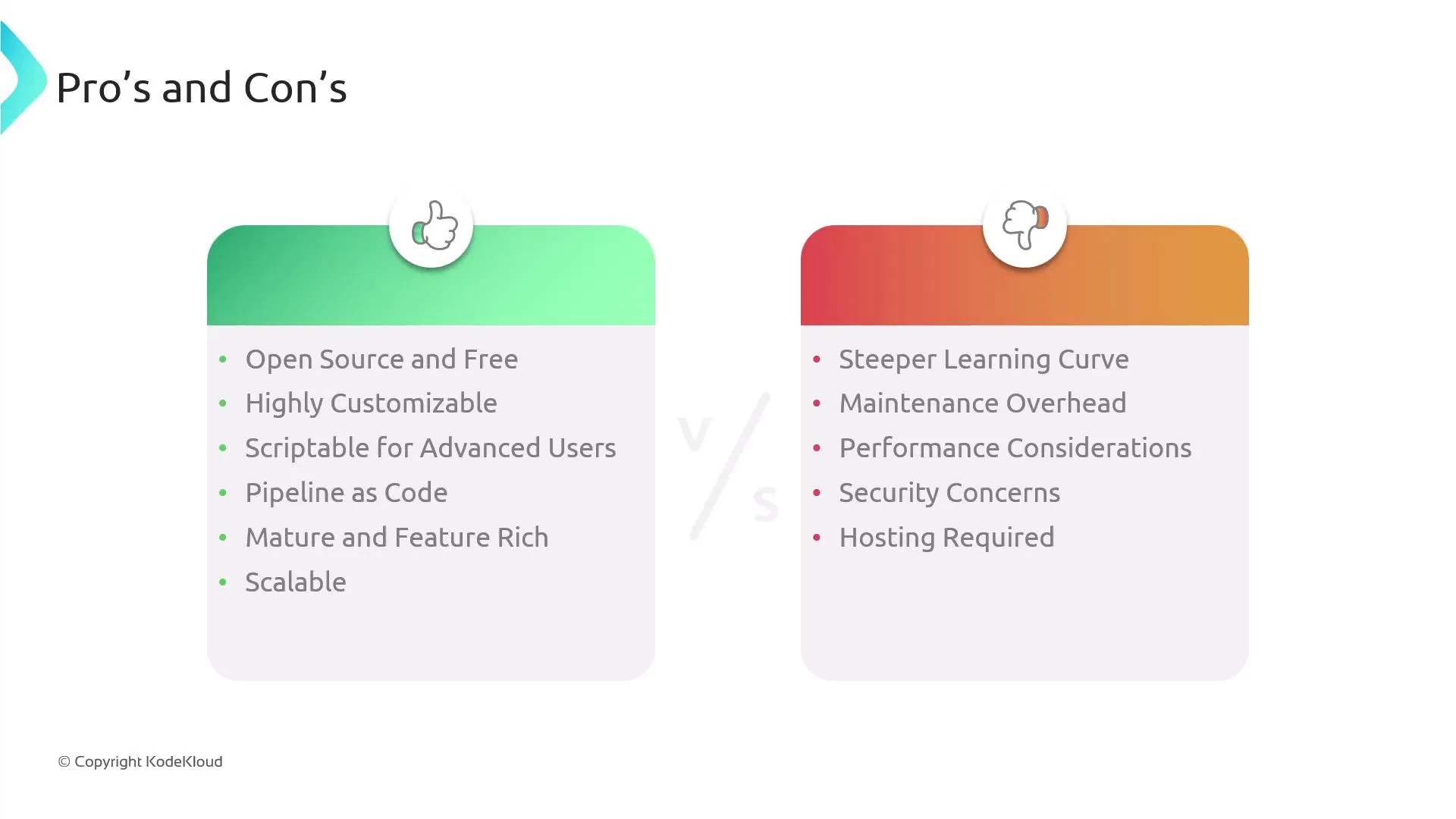
Pros
- Highly customizable — huge plugin ecosystem for SCM, clouds, notifications, and tooling.
- Scriptable for advanced users — Groovy pipelines and shared libraries for complex automation.
- Pipeline as code —
Jenkinsfilein the repo, reviewable like application code. - Scalable — distribute work across many agents and labels as load grows.
Cons
- Steeper learning curve — controller, agents, plugins, and Groovy take time to master.
- Maintenance overhead — upgrades, plugin compatibility, backups, and disk for artifacts.
- Security — plugin surface area and long-lived servers need patching, least privilege, and careful credential handling.
When to Choose Jenkins
| Good fit | Consider alternatives |
|---|---|
| Self-hosted CI, heavy customization, lots of plugins | GitHub Actions if code is already on GitHub |
| Existing Jenkins investment in the org | GitLab CI for an all-in-one Git host |
| Mixed Windows/Linux fleets | Cloud-native tools if you are 100% K8s + GitOps |